
 Turtles Lite
for Windows
Learn coding by arranging blocks and drawing shapes.
For Beginners
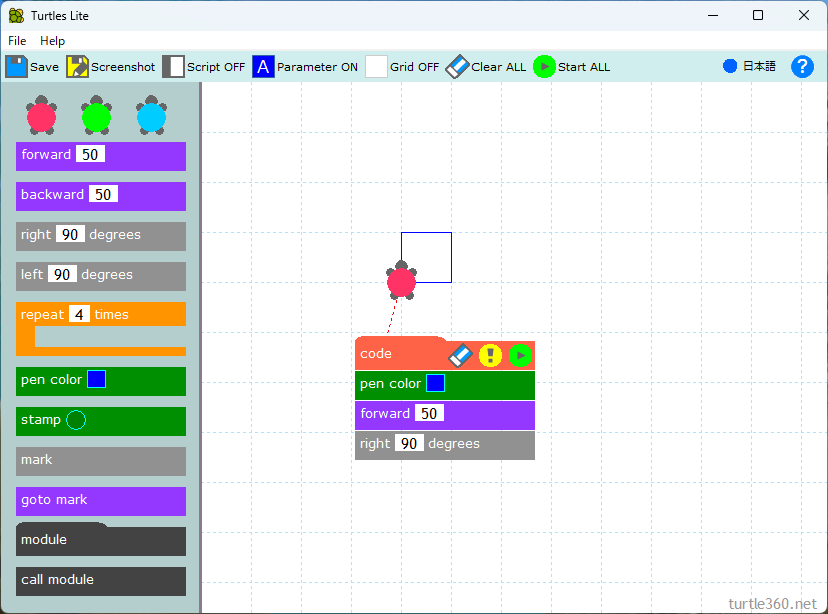
Draw a square using just three commands!
Click the play button to draw lines, and use the eraser to clear them.
If the turtle moves off the screen, drag the red “Code” block to bring it back.
Basic Shapes
Try changing the numbers and combinations of commands to explore different results.
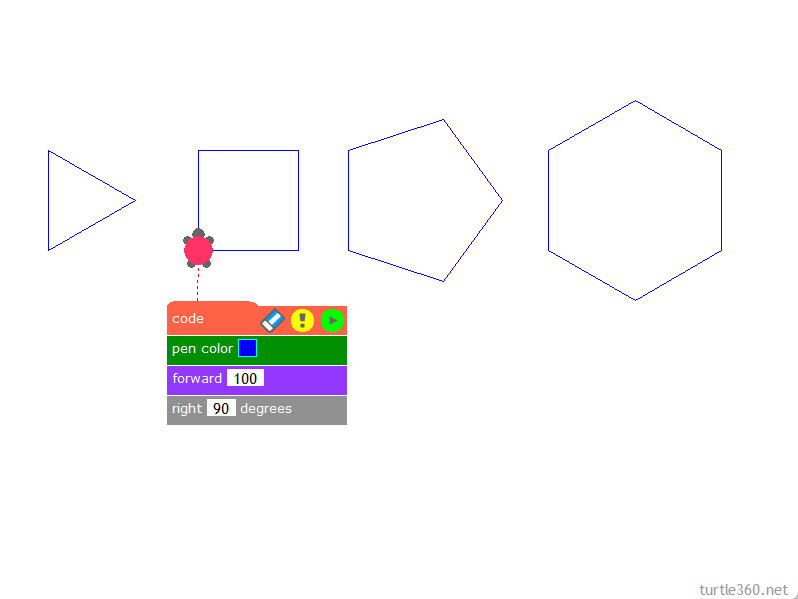
Regular polygons
Try changing the angle in the "right" block!
What kind of shape will you get?
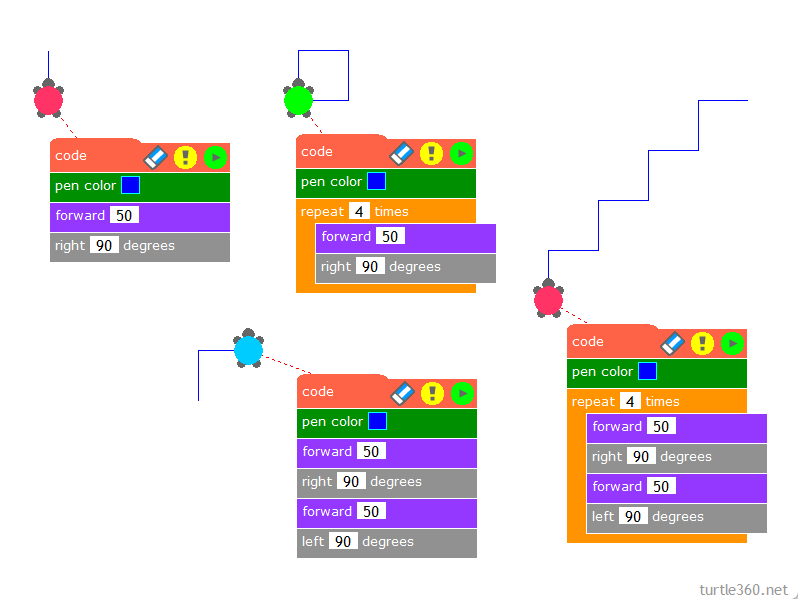
Stairs
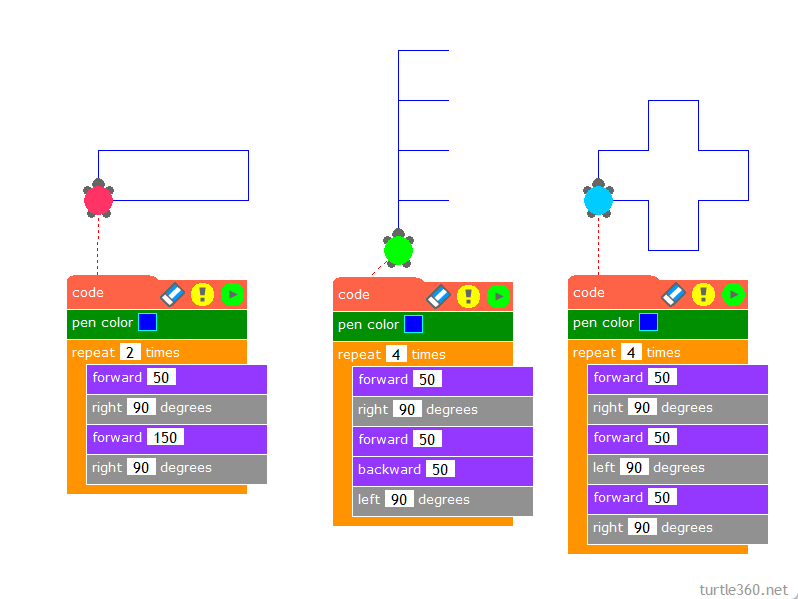
Cross shape
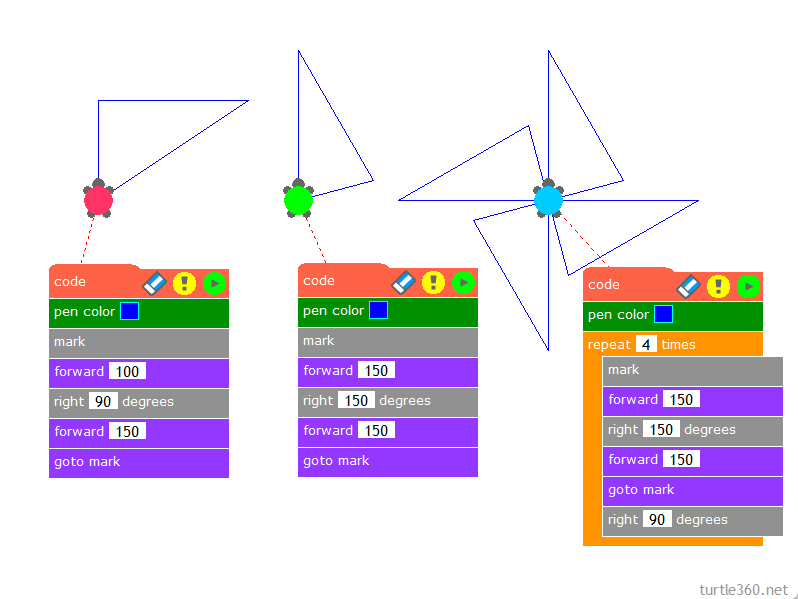
Windmill
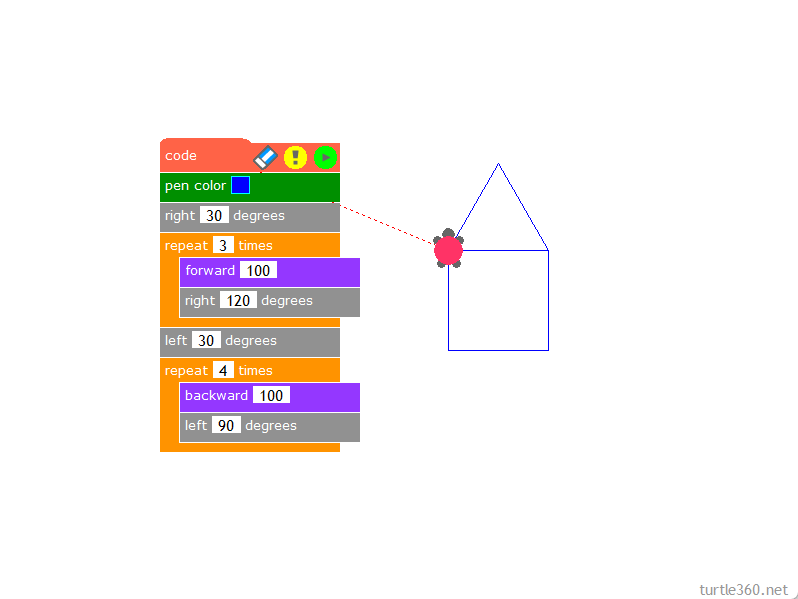
House
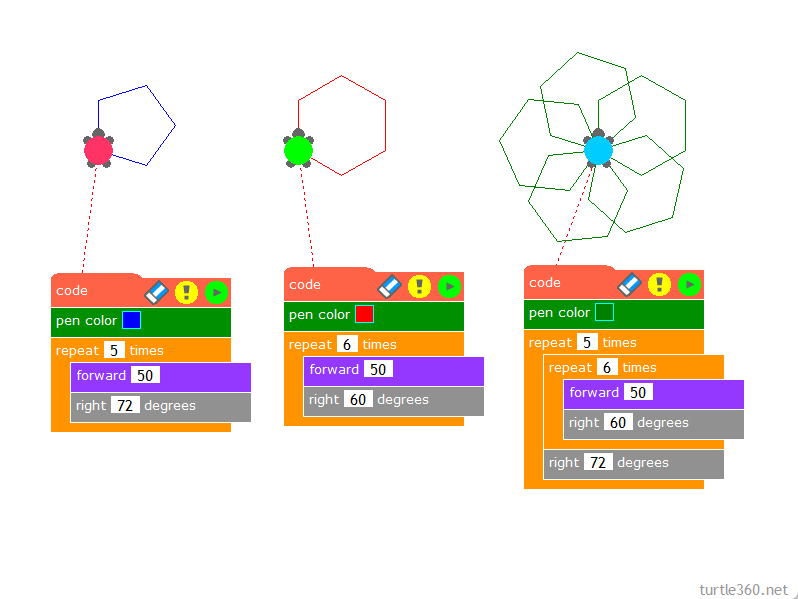
Pentagon & Hexagon
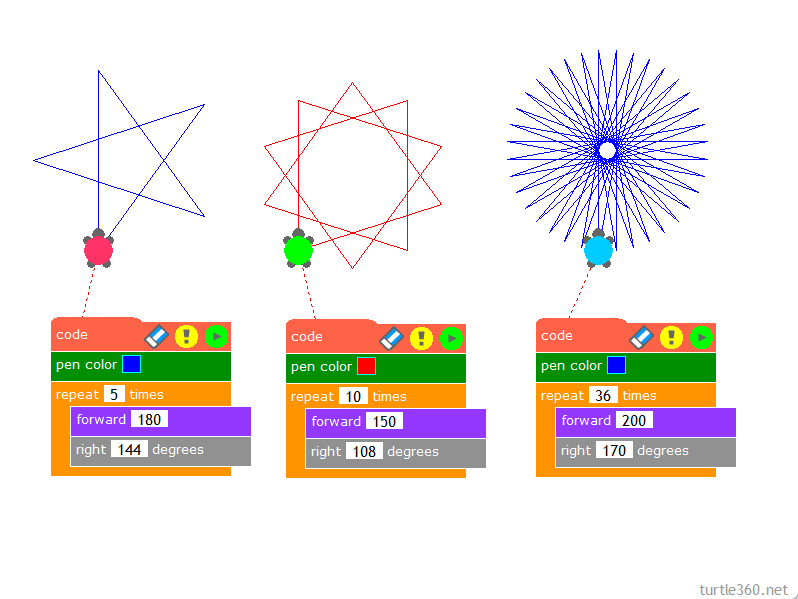
Star
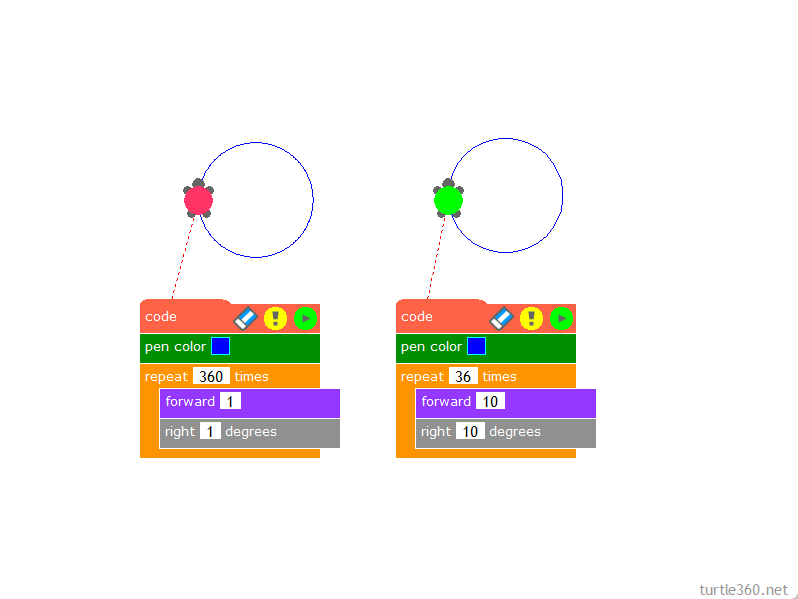
Circle
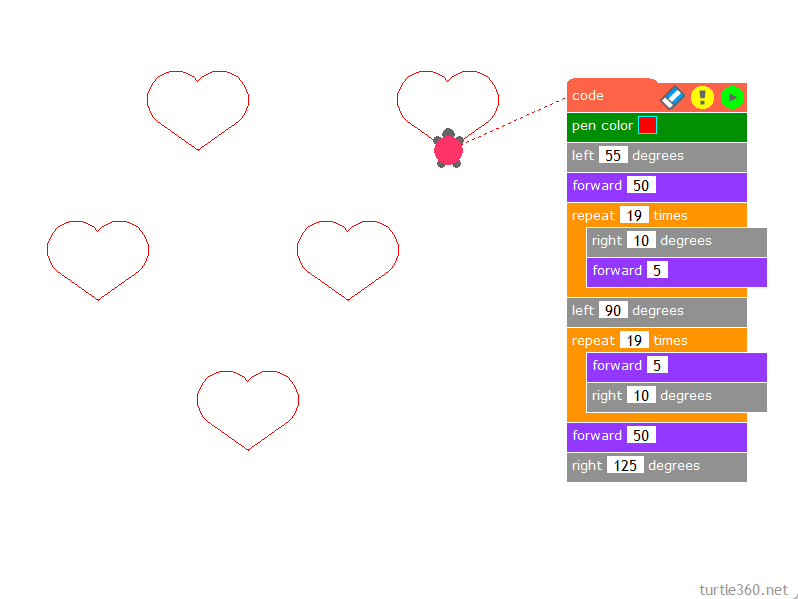
Heart
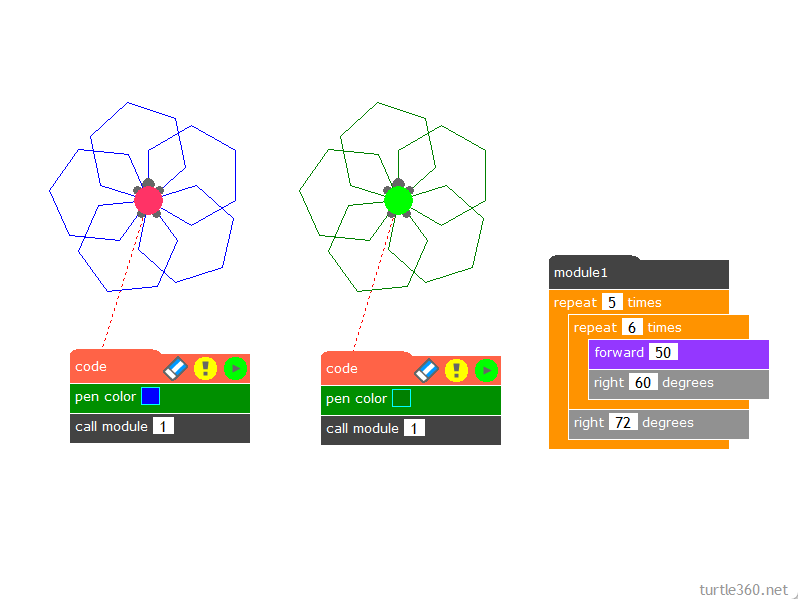
Hexagons with module
A module lets you use the same program from multiple turtles.
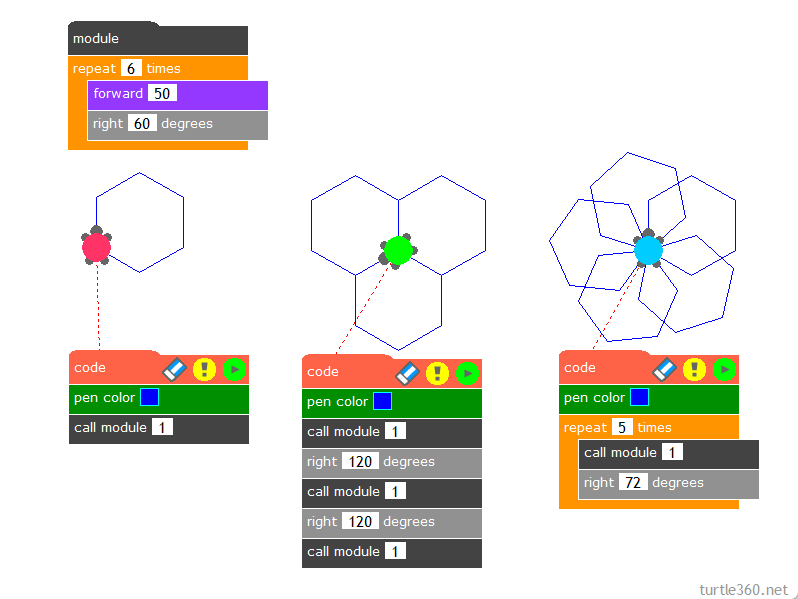
Hexagons
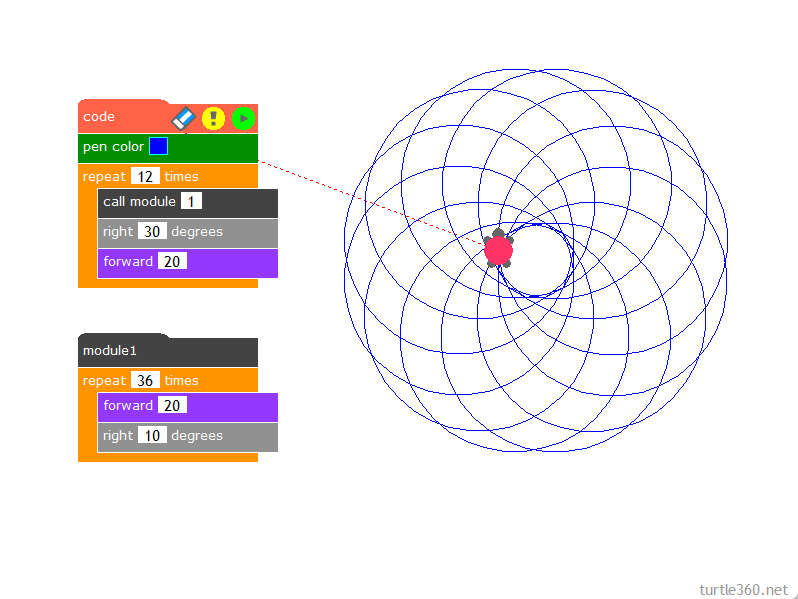
Circle combination
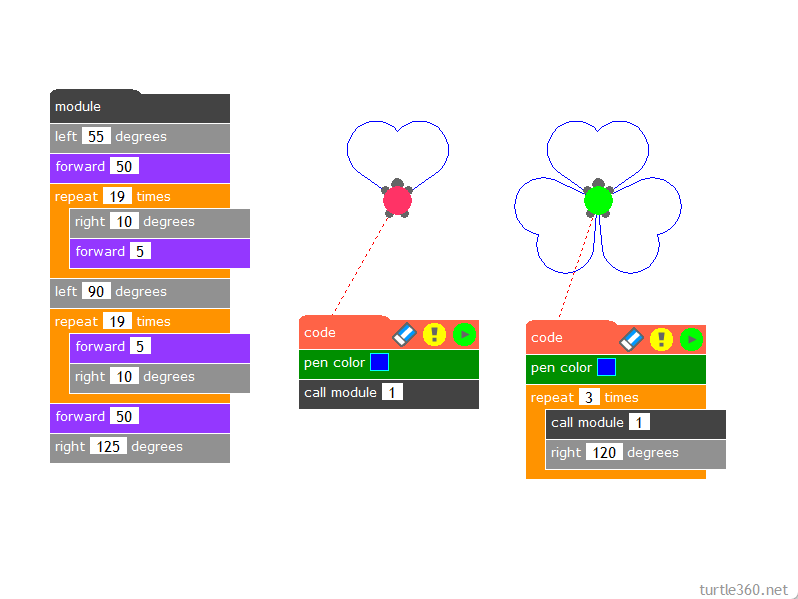
Heart combination
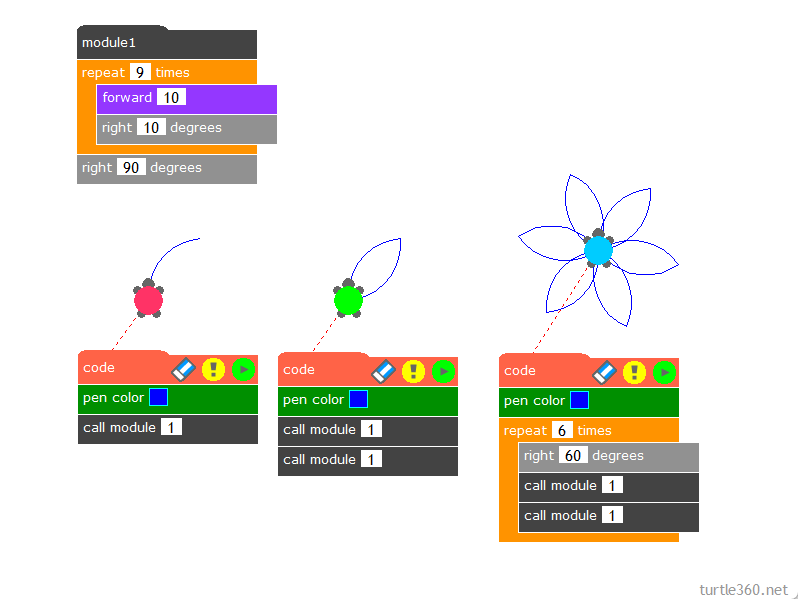
Petals
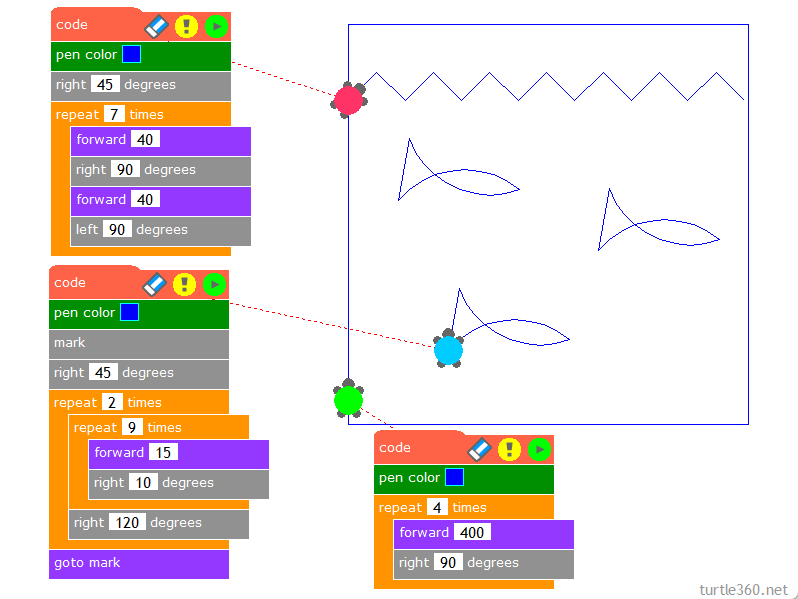
Sea fish
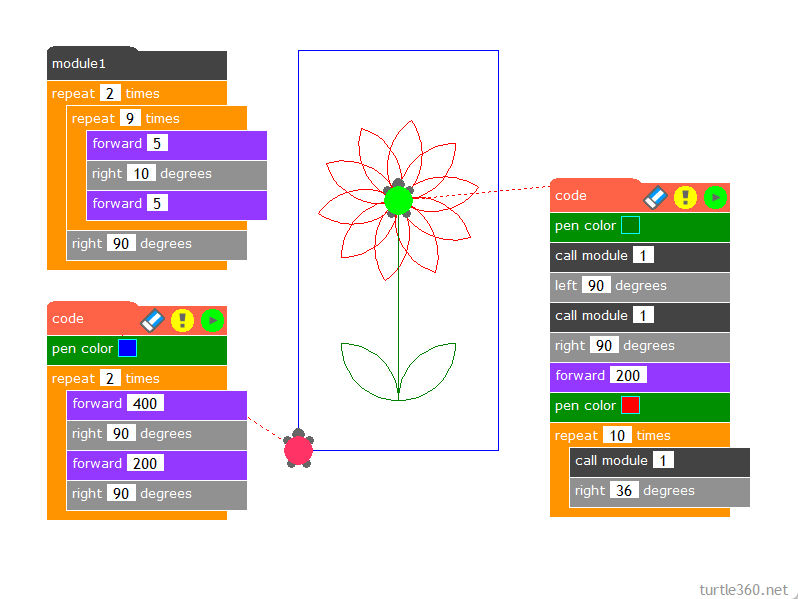
Flower
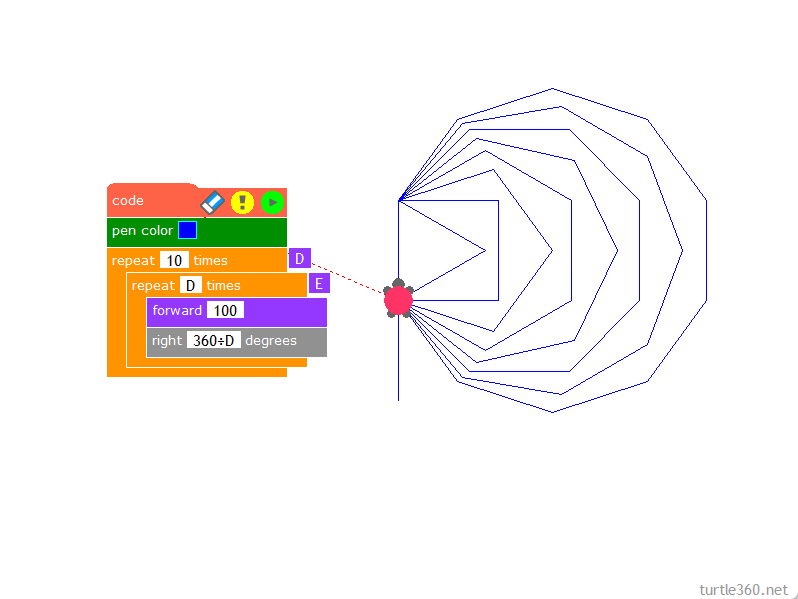
Regular polygons with variable
Using the “repeat variable” block, variables are shown as blue letters.
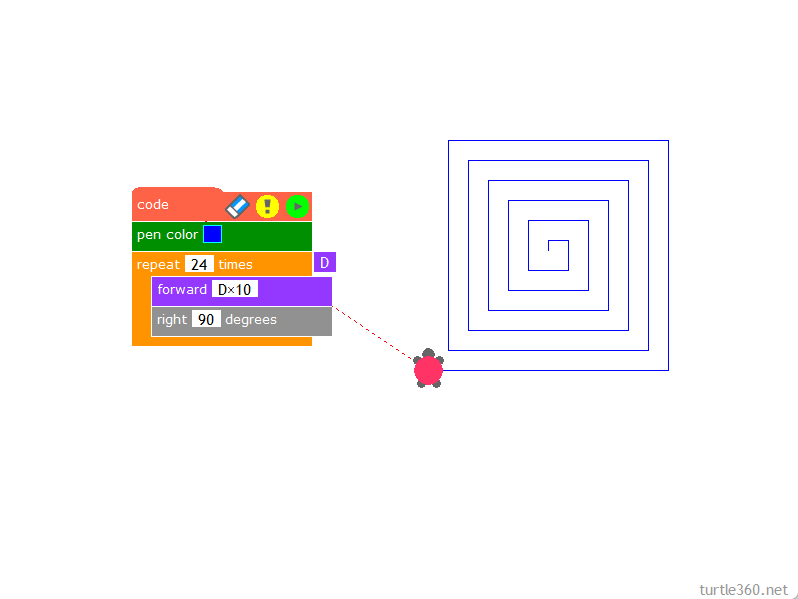
Square spiral
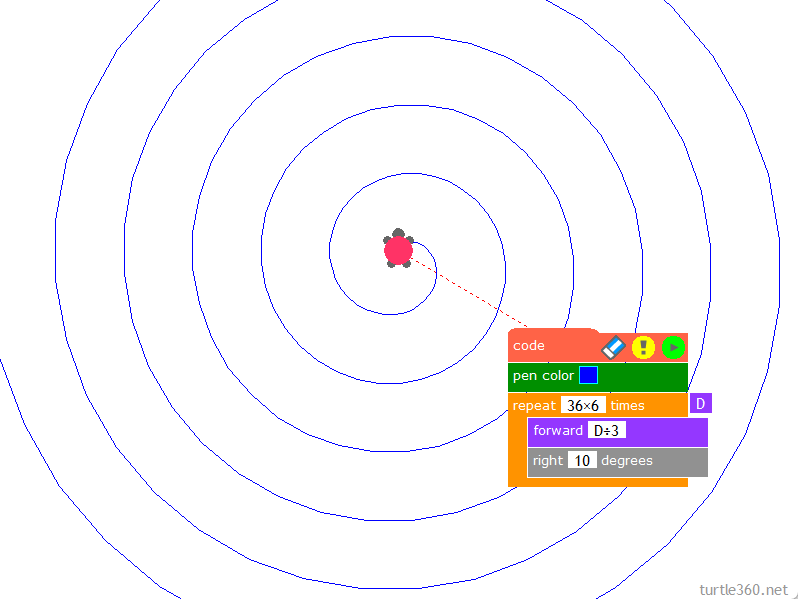
Spiral
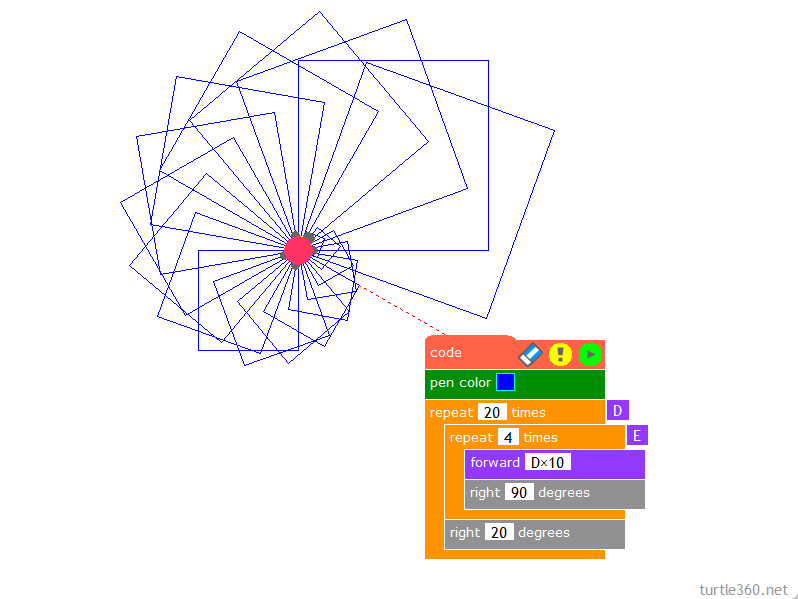
Square combination
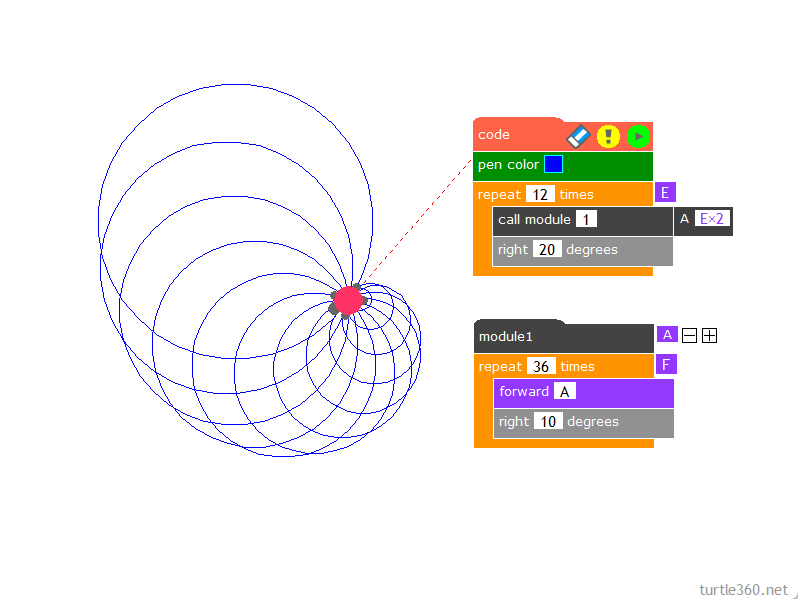
Circle combination
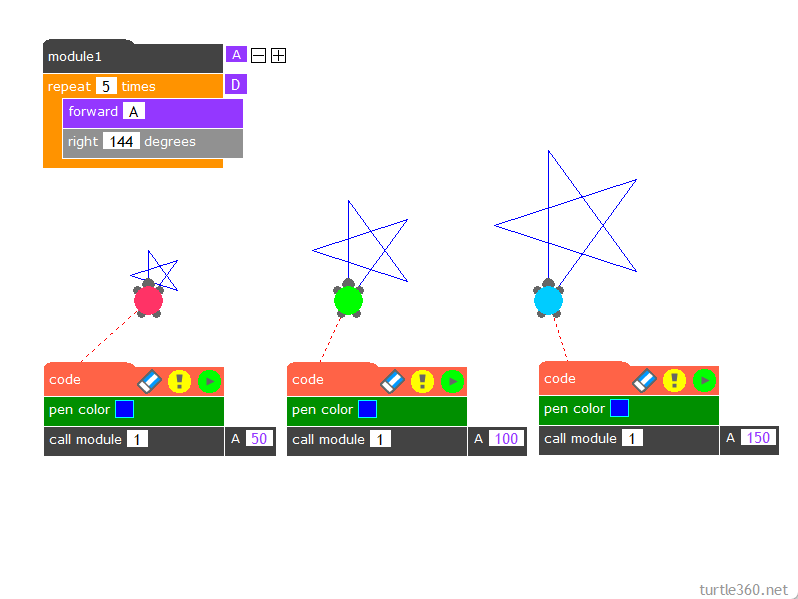
Star size
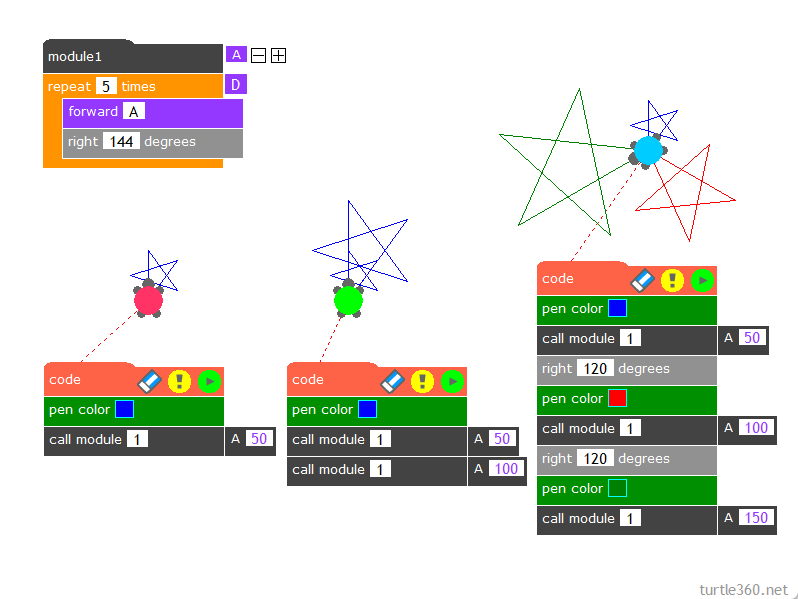
Star combination
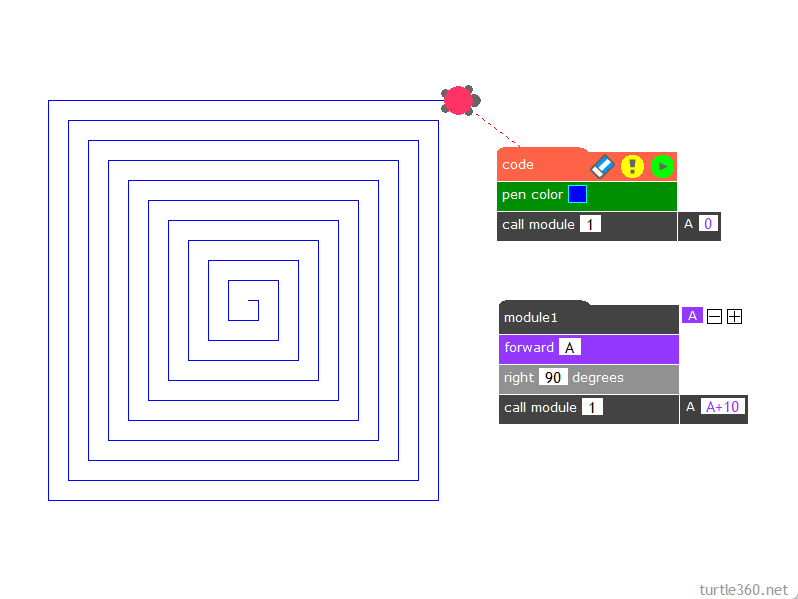
Recursion
When a module calls itself, this is called recursion.
*Try changing the value of the red arrow.
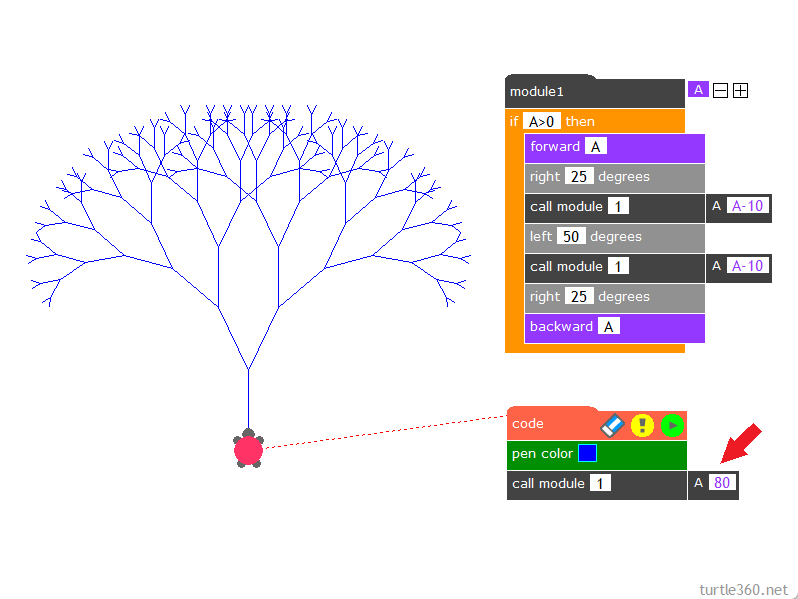
Binary tree
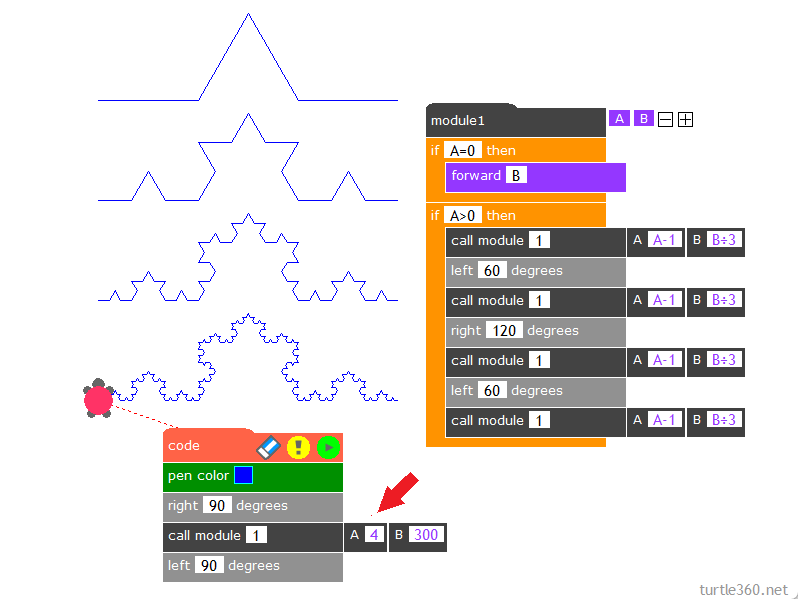
Koch curve
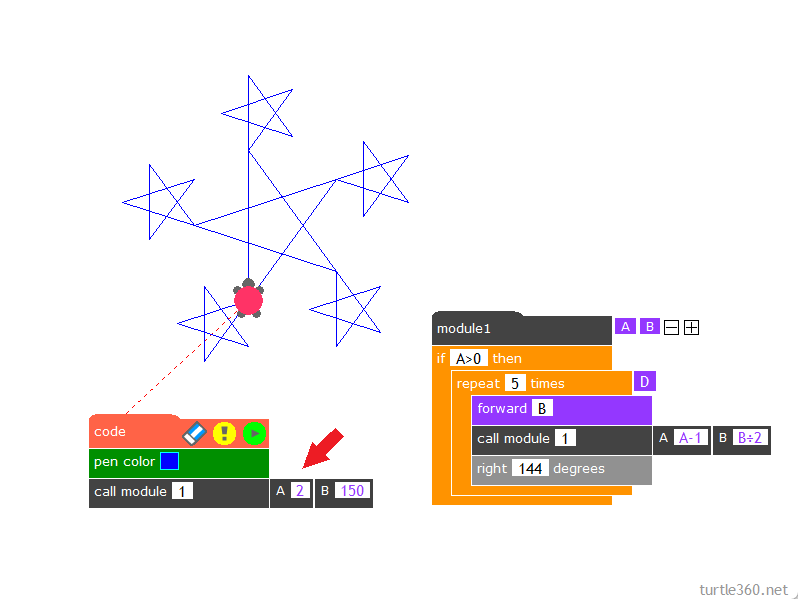
Fractal stars
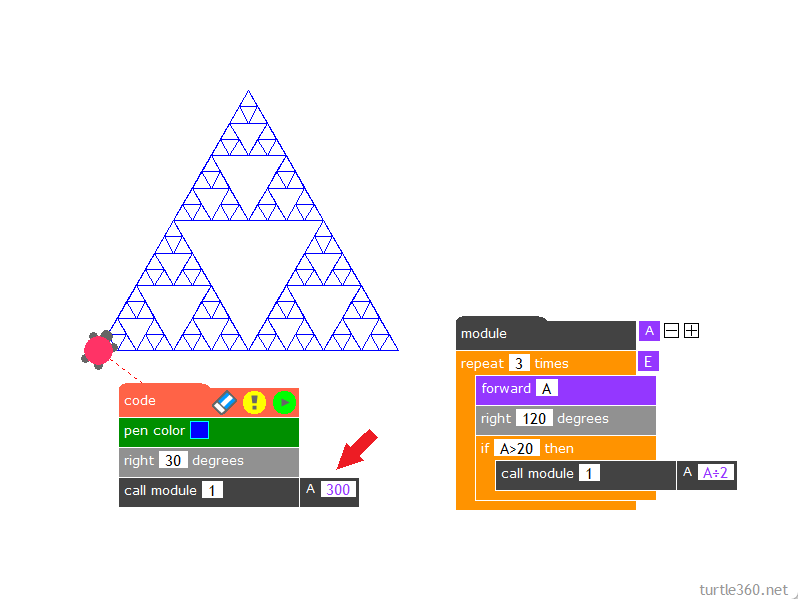
Sierpinski gasket
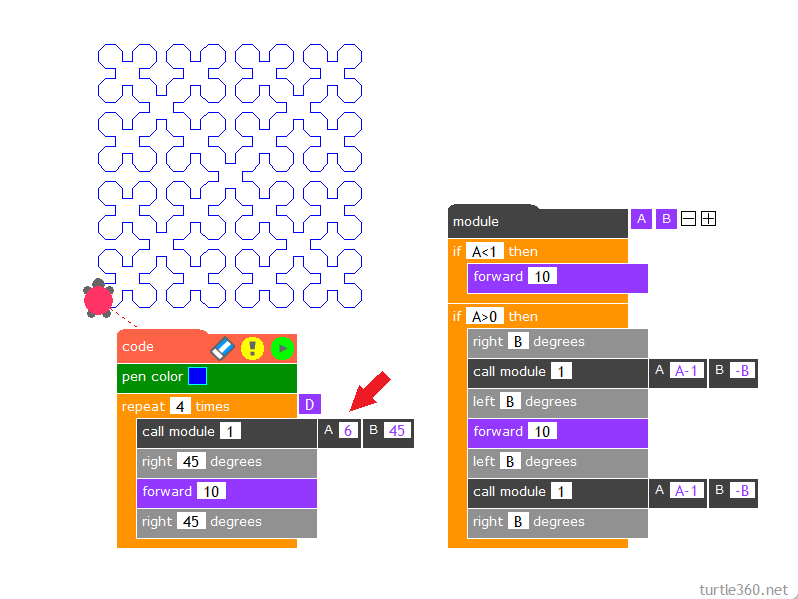
Sierpinski curve